Use the contact form for repair bookings, support requests, upgrade questions, or business enquiries.
Computer Repair Cape Town
PC Repairs in Cape Town
Zyfix provides professional PC repairs in Cape Town, helping home users and businesses fix slow, faulty, or non-working computers quickly and reliably. Whether the problem is obvious or hard to trace, the goal is simple: diagnose it properly, explain it clearly, and get your system working again with the least disruption possible.
What We Do
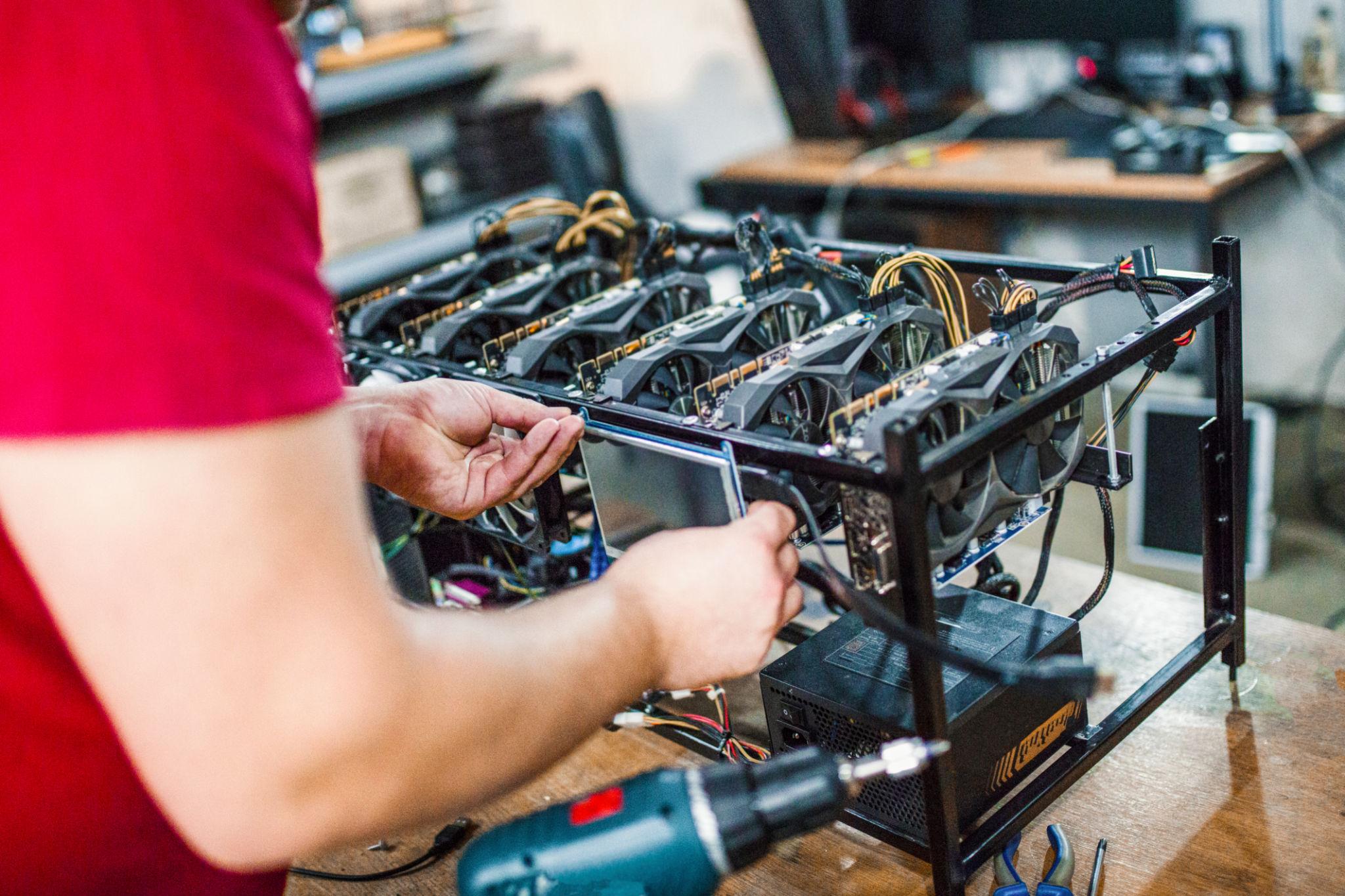
We provide professional PC repairs in Cape Town, focused on identifying the real cause of the problem, not just treating symptoms. Every repair starts with proper diagnostics to ensure the right fix the first time.
- Full diagnostics and fault finding
- Desktop PC repairs and workstation support
- Boot issues and system startup recovery
- Blue screen, freezing, and crash troubleshooting
- Honest advice when repair vs replacement makes sense
Common Problems We Fix
If your computer is slow, crashing, or not turning on, it is usually a sign of an underlying issue that needs proper diagnosis. We help identify and fix problems quickly to get your system running reliably again.
- Computers that won’t start or keep restarting
- Very slow systems during everyday use
- Freezing, crashes, or unusual behaviour
- Windows errors, update failures, or corrupted files
- Overheating systems needing cleaning and servicing
- Older machines that may benefit from upgrades
FAQs
Do you only handle desktop PC repairs?
No. While we focus on desktop PC repairs, the same diagnostic approach can be applied to a range of computer-related issues.
Can a slow computer always be repaired?
Not always, but in many cases, performance issues can be resolved with repairs, upgrades, or optimisation. We’ll advise on the best option.
Do you help businesses with repeated workstation issues?
Yes. We assist small businesses with diagnosing and resolving recurring PC problems to improve reliability and reduce downtime.
What if the machine will not boot at all?
We perform full diagnostics to identify the cause, whether it’s hardware failure, software corruption, or power-related issues.
Contact
Best for planned enquiries
Clear details help faster
Contact form
Use this form to send your details directly to Zyfix. Add your full name, email address, phone number, and a short message explaining what you need help with.
A short, specific message helps the Zyfix team understand the problem before they reply.